Skip to guides

Header Ads Widget

GameLoop 32 Bit & 64 Bit Download For PC - Free Fire & PUBG Mobile (2026)


GameLoop 32 Bit And 64 Bit Download For PC 2026 Free Fire And PUBG Mobile Flash Emulator Guide
32 BIT + 64 BIT
Emulator
GameLoop
Builds
32 + 64
Games
FF + PUBG
Price
Free
Tech Decode > Gaming > Emulators
Download Pack

GameLoop 32 Bit And 64 Bit Download For PC

Both GameLoop installers plus Free Fire, PUBG Mobile Flash and the Android tools ZArchiver and FX File Explorer in one post

32 BIT
64 BIT
FREE
FREE FIRE + PUBG
Android Emulator
Free Fire
PUBG Mobile
2026
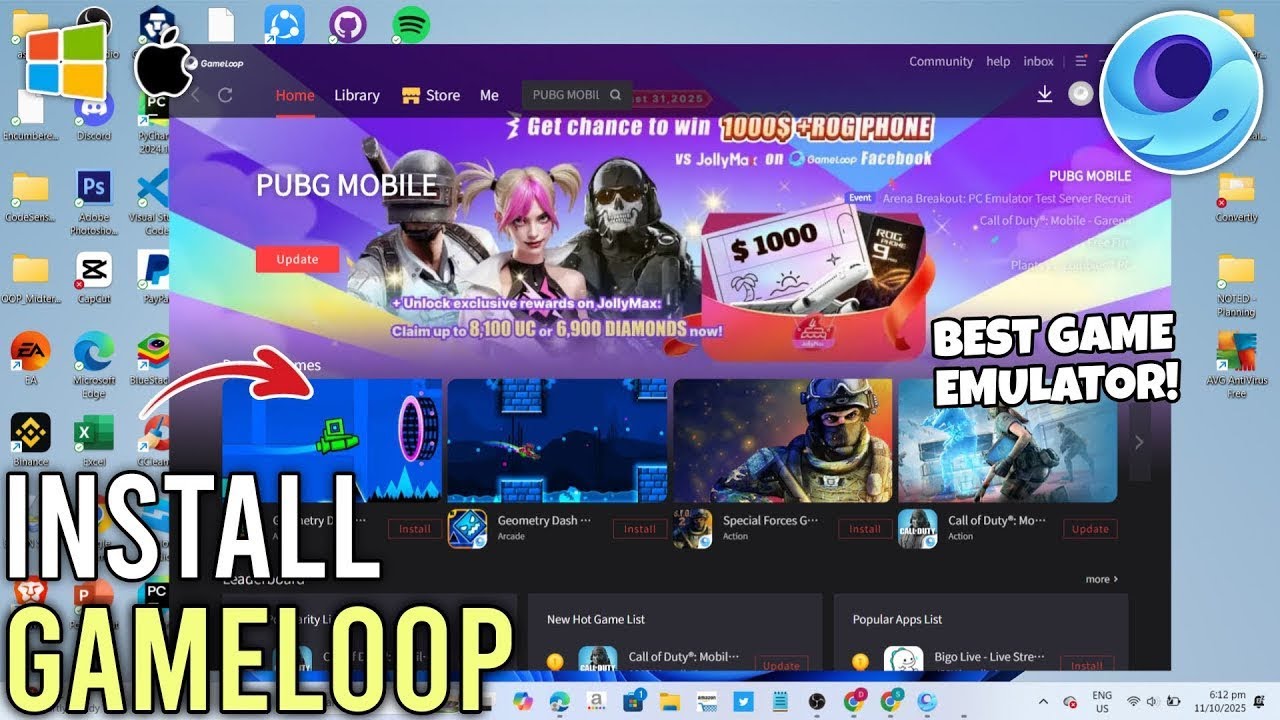
GameLoop is a free Android emulator for playing mobile games on a PC. Its official page lists PUBG Mobile, Call of Duty Mobile, Free Fire Max and more among the supported games. This post gives you the 32-bit and 64-bit installers, the Free Fire and PUBG Mobile Flash downloads, and two helper apps, ZArchiver and FX File Explorer, with a simple guide on which version to pick and how to get started.
Type
Android Emulator
File Format
EXE Installer
Platform
Windows PC
What Is GameLoop

GameLoop is described on its official site as a free Android emulator for playing mobile games on a PC. It is popular with PUBG Mobile and Free Fire players because it is built around mobile shooters and lets you play them with a keyboard and mouse.

GameLoop ships in two builds. The official site prioritizes the 64-bit version, and a 32-bit installer exists for people who need it for compatibility reasons, for example on a 32-bit Windows installation. The installation steps are the same for both.

This post collects everything in one place: both installers, the Free Fire APK page, the PUBG Mobile Flash APK page and two Android helper apps, so you do not have to hunt for them separately.

Which Version Should You Download
Your PCDownload
64-bit WindowsGameLoop 64 Bit (the official site prioritizes this build)
32-bit WindowsGameLoop 32 Bit
Not sureOpen Settings, System, About on Windows and read the System type line. It shows 64-bit or 32-bit.

Remove any older GameLoop installation before installing a different build.

Download GameLoop
NOTE: Run only the build that matches your Windows. Scan any downloaded installer with your own antivirus before running it.
Download Free Fire And PUBG Mobile Flash
Free Fire APK

Link to the Free Fire download page. Useful when you want the Free Fire APK file instead of installing from inside GameLoop.

PUBG Mobile Flash

PUBG MOBILE FLASH is listed on APKPure as a Level Infinite battle royale game with a lighter starting install than standard PUBG MOBILE, with smaller maps and shorter matches. The listing shows version 4.6.0 and a 960.2 MB APK, and needs Android 5.0 or higher.

NOTE: PUBG Mobile Flash is a separate app from PUBG Mobile Lite. APKPure lists PUBG Mobile Lite as its own app, so do not expect the two to be the same game. Version and size are as listed by APKPure and can change.
Android Helper Tools
ZArchiver

An archive manager for Android. Use it to open and extract ZIP, RAR and 7z files, which is handy for game data packs and APK bundles.

FX File Explorer

A file manager for Android. Use it to browse folders, copy and move game data and find downloaded APK files.

How To Install GameLoop
1
Pick the right build for your Windows from the table above and download it from Server 1 or Server 2.
2
If you have an older GameLoop installed, uninstall it first so the new build installs cleanly.
3
Run the installer and approve the Windows permission prompt.
4
Choose the install location and let the installer finish. Free space on the drive is needed for the games you download later.
5
Open GameLoop. On first launch it may download extra components, so keep your internet connected and wait until it finishes.
6
Open the game center inside GameLoop, find the game you want, such as Free Fire or PUBG Mobile, and install it.
7
Launch the game, log in and open the settings to set your controls and graphics.
Play Free Fire And PUBG On GameLoop
1
Search for the game in GameLoop's game center. Its official page lists PUBG Mobile, Call of Duty Mobile and Free Fire Max among others.
2
Install it from the game center, which downloads the game inside GameLoop.
3
If you want a different game or version that is not in the game center, use the APK from the download page in this post and look for GameLoop's option to install an APK, or open the APK file with GameLoop.
4
Open the keyboard and mouse settings and check the key mapping before your first match.
5
Play a practice match first to check your FPS and controls, then adjust graphics if needed.
Using ZArchiver And FX File Explorer On Android
1
Download the APK or data pack on your Android phone, then open FX File Explorer to find it in the Downloads folder.
2
If the download is a ZIP, RAR or 7z archive, open it with ZArchiver and extract it.
3
Install the APK by tapping it. Android may ask you to allow installs from your browser or file manager first.
4
If a game needs a data folder, use FX File Explorer to copy it to the folder the game expects, then open the game.
5
Delete the leftover archive after installing to free up storage.
Tips For Better Performance
Match Your Windows
Use the 64-bit build on 64-bit Windows. Use the 32-bit build only if you need it.
Enable Virtualization
Turning on virtualization (VT-x or AMD-V) in your BIOS usually improves emulator performance if your PC supports it.
Close Background Apps
Close browsers and heavy programs while gaming to free up memory and CPU.
Update Graphics Drivers
Outdated graphics drivers cause crashes and low FPS in emulators.
Lower Graphics On Weak PCs
Pick a lighter graphics setting in the game and in GameLoop if you see stutter.
Keep Free Disk Space
Games and updates need free space on the drive where GameLoop is installed.
Troubleshooting
The installer will not run
Make sure you downloaded the build that matches your Windows, run it as administrator, and temporarily check whether your antivirus is blocking it.
GameLoop gets stuck while loading
Check your internet connection, restart GameLoop, and try again. If it keeps failing, uninstall it fully and install a fresh copy.
The game is laggy
Close other programs, update graphics drivers, enable virtualization if available and lower the graphics settings.
I installed the wrong build
Uninstall GameLoop, restart the PC and install the correct 32-bit or 64-bit build.
The APK will not install on my phone
Allow installs from the app you used to open it, and check that your Android version meets the app's requirement. PUBG Mobile Flash lists Android 5.0 or higher.
I cannot open an archive
Use ZArchiver to extract ZIP, RAR or 7z files before installing.
Software Information
NameGameLoop (32 Bit and 64 Bit)
CategoryAndroid Emulator For PC
File FormatEXE
PlatformWindows
Supported Games (per official site)PUBG Mobile, Call of Duty Mobile, Free Fire Max and more
Extra DownloadsFree Fire APK page, PUBG Mobile Flash (APKPure), ZArchiver, FX File Explorer
PriceFree

Emulator build numbers and file sizes are not published here because they can change. Check the files after downloading.
Keywords
gameloop
gameloop download
gameloop 32 bit
gameloop 64 bit
gameloop 32 bit download
gameloop 64 bit download
gameloop for pc
gameloop free fire
gameloop pubg mobile
gameloop for low end pc
pubg mobile flash
pubg mobile flash apk
pubg lite alternative
free fire apk download
zarchiver download
fx file explorer download
best emulator for pubg and free fire
tech decode gameloop
DISCLAIMER: GameLoop, Free Fire, PU#0b0405 Mobile and the other products named here belong to their respective owners, and Tech Decode is not affiliated with them. The installers are shared for convenience, so scan them with your own antivirus before running them. Download links to third-party sites are provided as is, and their content can change. Using an emulator may be restricted by a game's terms, so use it at your own risk.

Post a Comment

0 Comments